🎓 Lesson 8.3: Where to Go Next
You did it. You went from never having opened Unity to building and shipping a complete game. This final lesson celebrates that — and points you toward everything you can explore next.
🎯 Learning Objectives
- Recognize just how much you've learned
- Choose a direction: 2D, animation, deeper C#, or more
- Know the best resources and communities
- Pick a next project to keep the momentum
Estimated Time: 20 minutes
In This Lesson
Look What You Built
Not long ago this screen would have looked like magic. Now you know exactly how every part of it works — you built it:
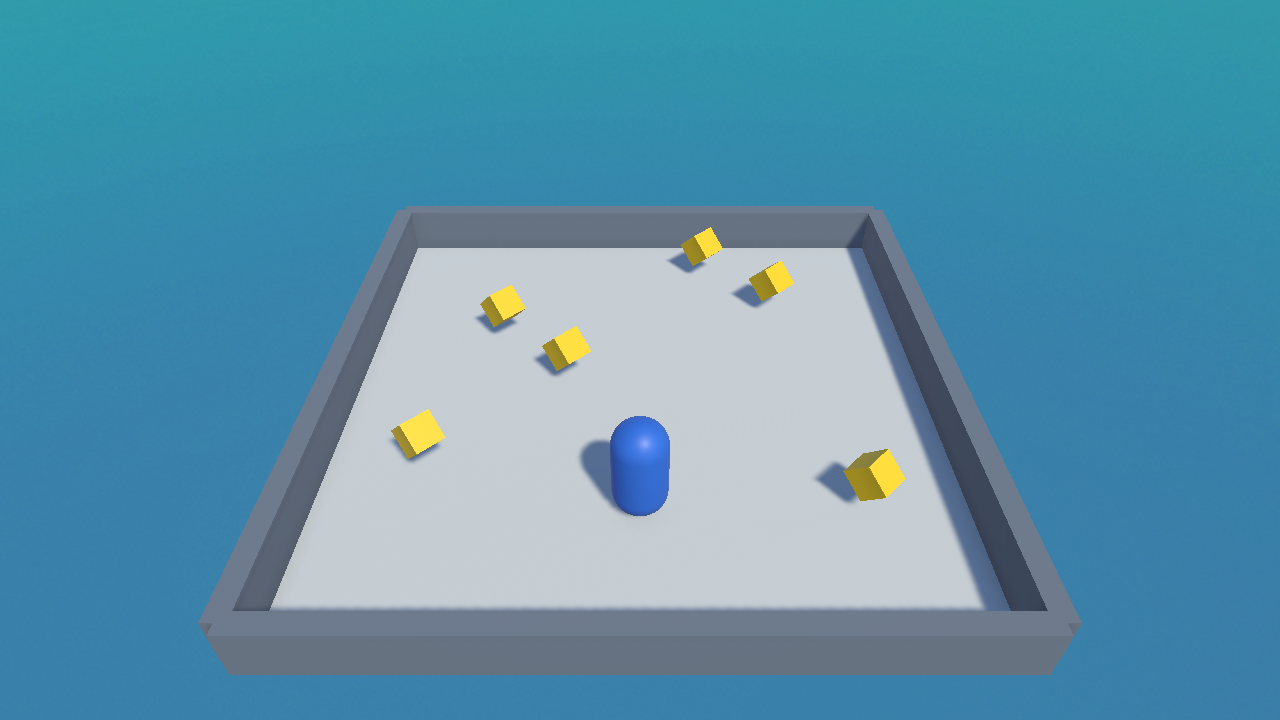
Everything You Learned
Take a moment to appreciate the full stack of skills you now have:
| You can… | From |
|---|---|
| Navigate the Editor and build scenes | Modules 1–2 |
| Write, run, and debug C# scripts | Module 3 |
| Control a player and camera with input | Module 4 |
| Use physics, colliders, triggers, and pickups | Module 5 |
| Build UI, track score, and add audio | Module 6 |
| Assemble, polish, and ship a full game | Modules 7–8 |
💡 These are the real fundamentals. Almost every Unity tutorial you'll ever watch assumes exactly these skills. You're now ready for the whole world of them.
Directions to Explore
3D fundamentals ✅] --> A[2D games
sprites, tilemaps] Y --> B[Animation
Animator, states] Y --> C[Deeper C#
classes, events, patterns] Y --> D[Art & assets
importing models, the Asset Store] Y --> E[Bigger systems
menus, saving, multiple levels]
✅ Pick one, not all
You don't need to learn everything at once. Choose whichever excites you most and dive in — the fundamentals you have transfer everywhere.
Best Resources
- Unity Learn — official, free, structured courses and projects.
- Unity Manual & Scripting API — your reference for every component and class.
- Unity Discussions — ask questions and read others'.
- Unity Asset Store — free and paid art, audio, and tools to speed up projects.
- YouTube — search a specific feature ("Unity 6 health bar") and you'll find focused tutorials.
⚠️ Watch the version
Unity changes over time. When following a tutorial, prefer recent ones (Unity 6 / URP) so menus and code match what you see. Older tutorials still teach concepts, but paths may differ.
Your Next Project
The best way to keep learning is to build. Good next steps — each stretches you just a little:
- Extend Star Collector: add multiple levels, a high score saved between runs, or moving obstacles.
- A simple maze game: reuse movement + collisions with a maze of walls and an exit.
- A tiny endless runner: a player that auto-runs while you dodge — great physics + spawning practice.
- Recreate a classic: Pong or Breakout teaches loads and is very achievable now.
💡 Finish small things. Three tiny finished games teach you far more than one huge unfinished one. Ship often; each finished project makes the next easier.
Farewell (for now)
🎉 Congratulations!
- You learned the Editor, GameObjects, C#, input, physics, UI, and audio.
- You built, polished, and shipped a complete mini-game.
- You have the fundamentals every Unity project builds on.
- You know where to go next — so go make something.
Thank you for working through Unity Fundamentals. The gap between "I wish I could make games" and "I made a game" is the hardest one to cross, and you've crossed it. Everything from here is building on a foundation you now own.
Now go build the thing you've been imagining. 🚀
🏆 Course Complete!
You're a Unity developer now. Keep building, keep shipping, and have fun.