🌍 Lesson 5.1: Rigidbodies & Gravity
So far your objects float, frozen, ignoring gravity. Add one component — the Rigidbody — and Unity's physics engine takes over: things fall, tumble, stack, and collide, all on their own.
🎯 Learning Objectives
- Add a Rigidbody to make an object obey physics
- Understand gravity, mass, and the difference physics makes
- Know when to move by physics vs by Transform
- Meet
FixedUpdateand applying forces
Estimated Time: 35 minutes
In This Lesson
What a Rigidbody Does
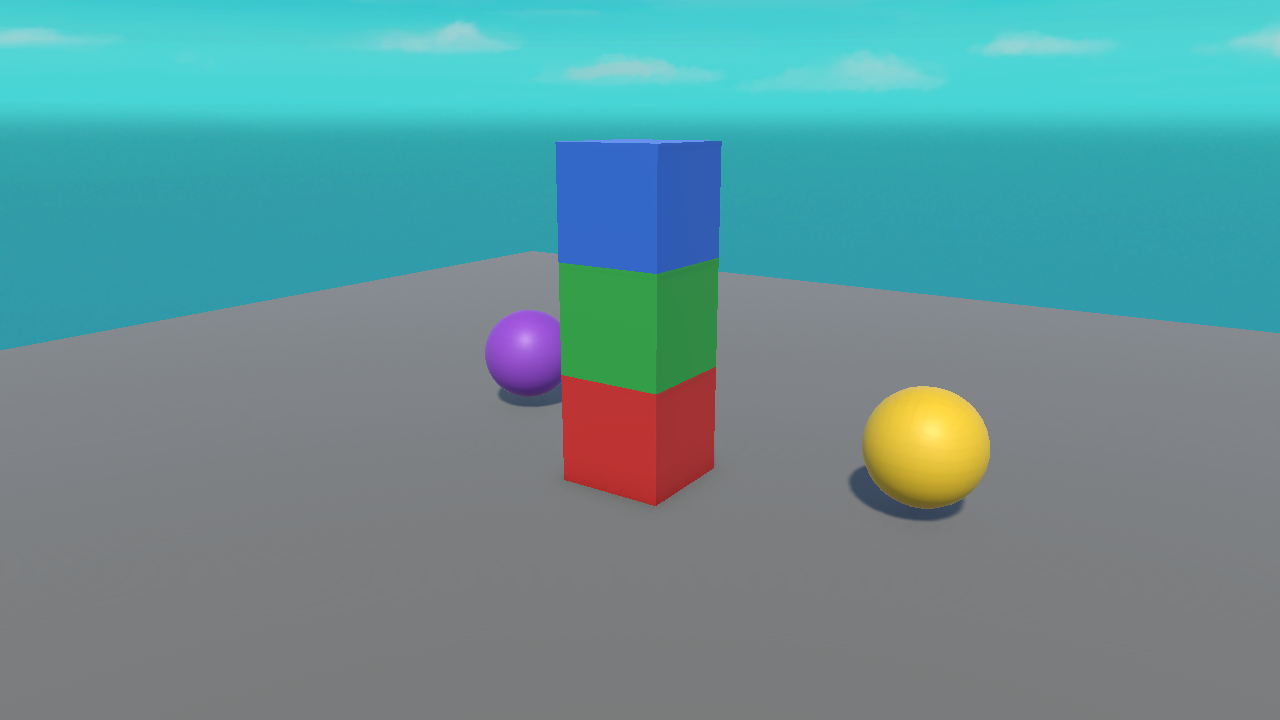
A Rigidbody hands an object over to Unity's physics engine. Suddenly it has weight, it falls under gravity, it can be pushed, and it collides realistically with other physics objects. These cubes and spheres have physics — they fell, landed, and came to rest on the floor:
📖 Definition
Rigidbody: the component that lets Unity's physics engine control an object's movement — gravity, forces, momentum, and collision response. Without it, an object ignores physics entirely.
To add one: select an object, Add Component ▸ Rigidbody. Press Play and — if it's above the ground — it falls.
Key Rigidbody Settings
| Setting | What it does |
|---|---|
| Mass | How heavy the object is (affects pushing, not fall speed). |
| Use Gravity | Whether gravity pulls it down. Untick to make it float. |
| Is Kinematic | If ticked, physics won't move it — you move it by code/Transform instead, but it still affects others. |
| Constraints | Freeze position or rotation on chosen axes (e.g. stop a capsule from tipping over). |
💡 Fun fact: in a vacuum, heavy and light objects fall at the same speed. Unity models this too — Mass changes how hard it is to push something, not how fast it falls.
Physics vs Transform Movement
You now have two ways to move things. Choosing the right one avoids a lot of bugs:
| Transform (Translate) | Physics (Rigidbody) | |
|---|---|---|
| Collisions | Ignores them — walks through walls | Respects them — bumps and stops |
| Gravity | No | Yes |
| Best for | UI, simple movers, triggers | Anything that should feel solid and physical |
⚠️ Don't mix carelessly
If an object has a Rigidbody, prefer moving it with physics (or set Is Kinematic). Setting transform.position directly on a physics object every frame can fight the engine and cause jitter or tunnelling through walls.
Applying Forces
To push a Rigidbody in code, grab it and call AddForce. Physics code goes in FixedUpdate() — Unity's steady physics heartbeat — not Update():
using UnityEngine;

public class Jumper : MonoBehaviour
{
    public float jumpForce = 5f;
    private Rigidbody rb;

    void Start()
    {
        rb = GetComponent<Rigidbody>();   // grab our own Rigidbody
    }

    void Update()
    {
        if (Input.GetKeyDown(KeyCode.Space))
        {
            rb.AddForce(Vector3.up * jumpForce, ForceMode.Impulse);
        }
    }
}
📖 Definition
FixedUpdate(): like Update, but runs on a fixed physics timestep (not tied to frame rate). Put physics reads/forces here for stable results. (Reading one-shot input like GetKeyDown stays in Update, as above.)
Hands-on Exercise
🏋️ Exercise: Let it fall & stack
- Make a floor (Plane) and raise a few Cubes above it (Position Y = 3, 4, 5).
- Add a Rigidbody to each cube.
- Press Play — watch them fall and land on the floor. Give them slightly different X/Z so they tumble into a little pile.
- Select a cube and untick Use Gravity — press Play; it now hangs in the air.
💡 My cube falls straight through the floor
The floor needs a collider (a Plane has one by default; a custom floor might not). We cover colliders next lesson — for now use a default Plane as the floor.
🎯 Quick Quiz
Question 1: What does adding a Rigidbody do?
Question 2: Where should you apply physics forces?
Summary
🎉 Key Takeaways
- A Rigidbody gives an object real physics — gravity, forces, collisions.
- Key settings: Mass, Use Gravity, Is Kinematic, Constraints.
- Use physics movement for solid objects; Transform movement ignores collisions.
- Apply forces with
AddForceinFixedUpdate().
🚀 What's Next?
Physics needs shapes to collide with. Lesson 5.2 covers colliders — and the magic checkbox that turns a wall into a walk-through trigger zone.