🏁 Lesson 7.3: Win & Lose Conditions
A game needs a finish line. We'll make collecting every star a win, add a countdown timer for a lose, and show a result panel — turning our sandbox into an actual game with stakes.
🎯 Learning Objectives
- Track total stars and detect when all are collected (win)
- Add a countdown timer and detect time-out (lose)
- Show a win/lose panel and pause the game
- Use
Time.timeScaleto freeze gameplay
Estimated Time: 40 minutes
In This Lesson
The Result Screen
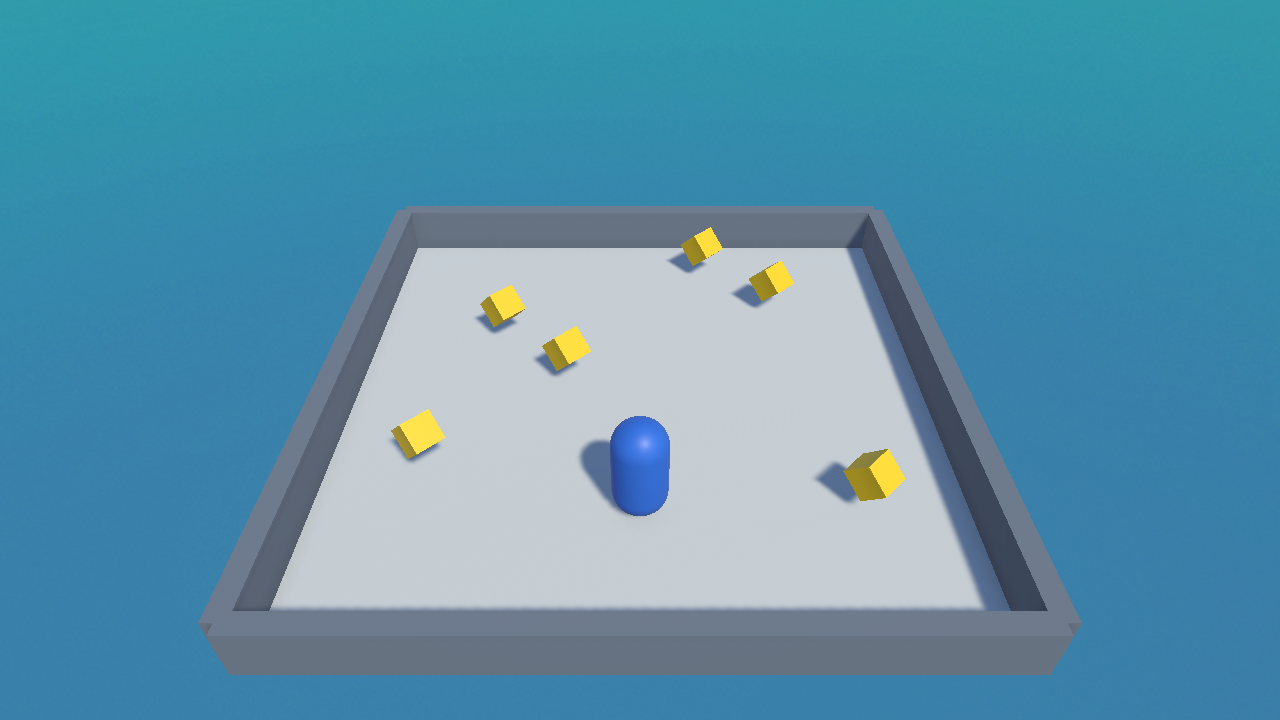
When the player collects the last star, we freeze the game and show a win message like this:
Detecting a Win
The GameManager needs to know how many stars exist, then compare the score to that total. Add a totalStars and check it in AddPoint():
public int totalStars = 6;      // set to how many you placed

public void AddPoint()
{
    score++;
    UpdateScoreText();

    if (score >= totalStars)
    {
        Win();
    }
}
✅ Pro Tip: count automatically
Instead of typing 6 by hand, count them at start: totalStars = GameObject.FindGameObjectsWithTag("Star").Length; (tag your collectibles "Star" first). Now adding or removing stars just works.
A Countdown Timer (Lose)
A ticking clock adds tension. Count down in Update(); if it reaches zero before the win, the player loses:
public float timeLimit = 30f;    // seconds
public TMP_Text timerText;
private float timeLeft;
private bool gameOver = false;

void Start()
{
    timeLeft = timeLimit;
    UpdateScoreText();
}

void Update()
{
    if (gameOver) return;

    timeLeft -= Time.deltaTime;         // count down in real seconds
    timerText.text = "Time: " + Mathf.CeilToInt(timeLeft);

    if (timeLeft <= 0f)
    {
        Lose();
    }
}
💡 Mathf.CeilToInt rounds the decimal time up to a whole number, so the timer shows "5, 4, 3…" instead of "4.87, 4.86…".
Showing the Panel & Freezing the Game
Both endings show a message and stop the action. Freezing everything is a one-liner: set Time.timeScale = 0, which pauses all time-based movement and physics.
public TMP_Text resultText;    // a big centred text, hidden at start

void Win()
{
    gameOver = true;
    resultText.text = "🎉 You Win!";
    resultText.gameObject.SetActive(true);
    Time.timeScale = 0f;       // freeze the game
}

void Lose()
{
    gameOver = true;
    resultText.text = "⏱ Time's Up!";
    resultText.gameObject.SetActive(true);
    Time.timeScale = 0f;
}
⚠️ Remember to reset timeScale
Time.timeScale = 0 stays 0 even into a new game. If you add a "Play Again" button that reloads the scene, set Time.timeScale = 1f first, or the new game will start frozen.
Hands-on Exercise
🏋️ Exercise: Add a finish line
- Add
totalStars, a timer, and a hidden centred resultText to the GameManager (wire the text slots). - Make collecting the last star trigger Win.
- Make the timer hitting zero trigger Lose.
- Play twice: once collecting all stars in time (win), once letting the clock run out (lose).
💡 The win never triggers
Check totalStars matches the number of stars actually in the scene (or auto-count them). If you added extra stars, the count is off.
💡 The game starts frozen after replaying
You left Time.timeScale at 0. Set it back to 1f when starting or reloading.
🎯 Quick Quiz
Question 1: What does Time.timeScale = 0f do?
Question 2: Why subtract Time.deltaTime from the timer each frame?
Summary
🎉 Key Takeaways
- Win when
score >= totalStars; auto-count stars by tag for safety. - Lose when a
Time.deltaTimecountdown reaches zero. - Show a result text and freeze with
Time.timeScale = 0f. - Reset
timeScaleto 1 when replaying, or the next game starts frozen.
🚀 What's Next?
It's a real game now — win, lose, and all. The final touch is juice: particles, glow, and sound. Lesson 7.4 adds the polish.